Page 1 of 1
PC-NVR
Posted: Thu Sep 24, 2020 10:59 am
by mytym3
Hi, hope someone can help me. I followed the instructions on setting up my pc-nvr and when I click save and continue it says my pc-nvr is online. However, when I go to the Home Page and click on PC-NVR it is grayed out and I can't access it. Any suggestions? Thanks!
Brian
Re: PC-NVR
Posted: Fri Sep 25, 2020 7:45 am
by longedge
Hello and welcome to the forum.
Assuming you've set PC-NVR up to run on a Windows PC using Amcrest Surveillance Pro, the first thing that comes to my mind is whether you have taken the final step in setting up PC-NVR and added devices to it. For instance, although I have got 3 IP cameras I only monitor 2 of them in PC-NVR. I added the 2 i wanted from my default ASP group.
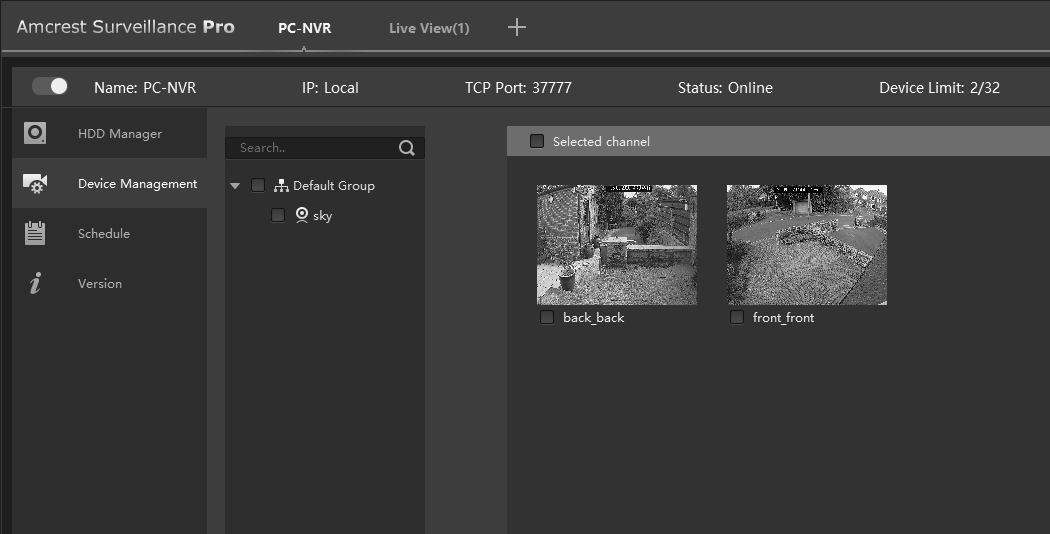
- PC-NVR setup.jpg (45.77 KiB) Viewed 1259 times
Re: PC-NVR
Posted: Fri Sep 25, 2020 12:38 pm
by Revo2Maxx
I am not sure however I wonder if this could be the problem..
So I installed this on a different computer I don't normally use for my Main Computer and seeing I couldn't access my camera or systems I setup to have my Main computers IP address for right now.. My main computer and 3 or 4 other computers in my household right now have bad Power Supplies lol.. I replaced one of mine and then my Sons died so I took my new 850 installed in his computer so mine is down yet again while I wait for new Supplies to show up lol..
Anyway on this computer I am using one of my game computers right now that Normally don't have any thing on it other then games..
But for this I setup ASP and PC-NVR.. I wanted to test something and sure enough I was able to get it to act the same as it was on my other computer.. Right now this computer only has 1 Ip and I did setup 2 and more for it and PC-NVR gets Grey in the Window and never gives me a + to add my System or Cameras and I wonder if this is a problem your facing as well.. Because as soon as I removed all the ip out of my computer and Rebooted my computer when I brought up ASP clicked on PC-NVR from the main menu I now have the Add + and it is no longer Grayed out
EDIT: had to redo my Pictures because only removed one part of showing my SN and there are 2 areas so I had to redo the page after uploading images with right pictures
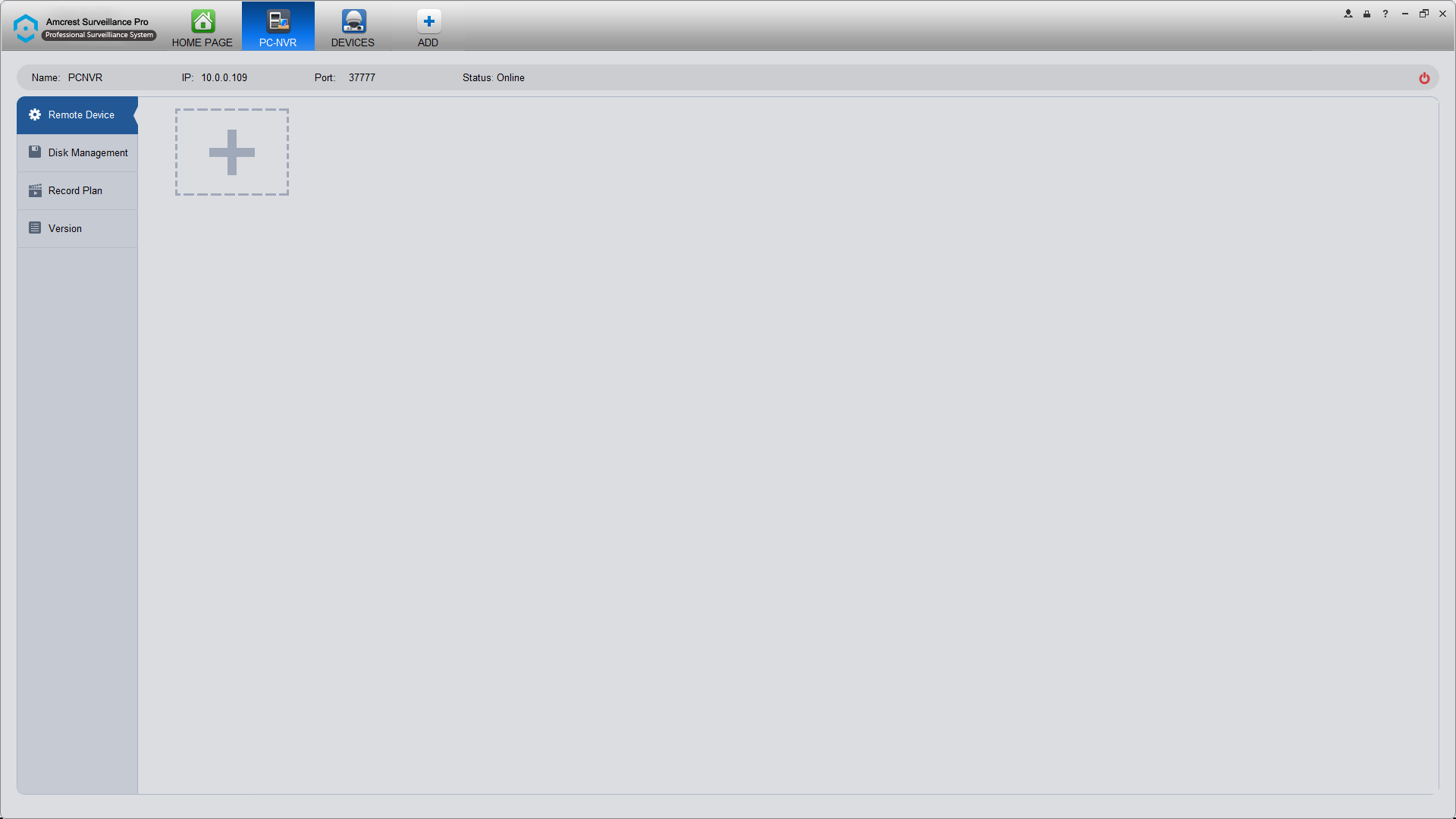
- Screenshot (32).png (42.25 KiB) Viewed 1251 times
However I have added back my Extra IP's for what I normally have for my computers back in my table here you can see that my PC-NVR is now no longer able to be access like the picture above..
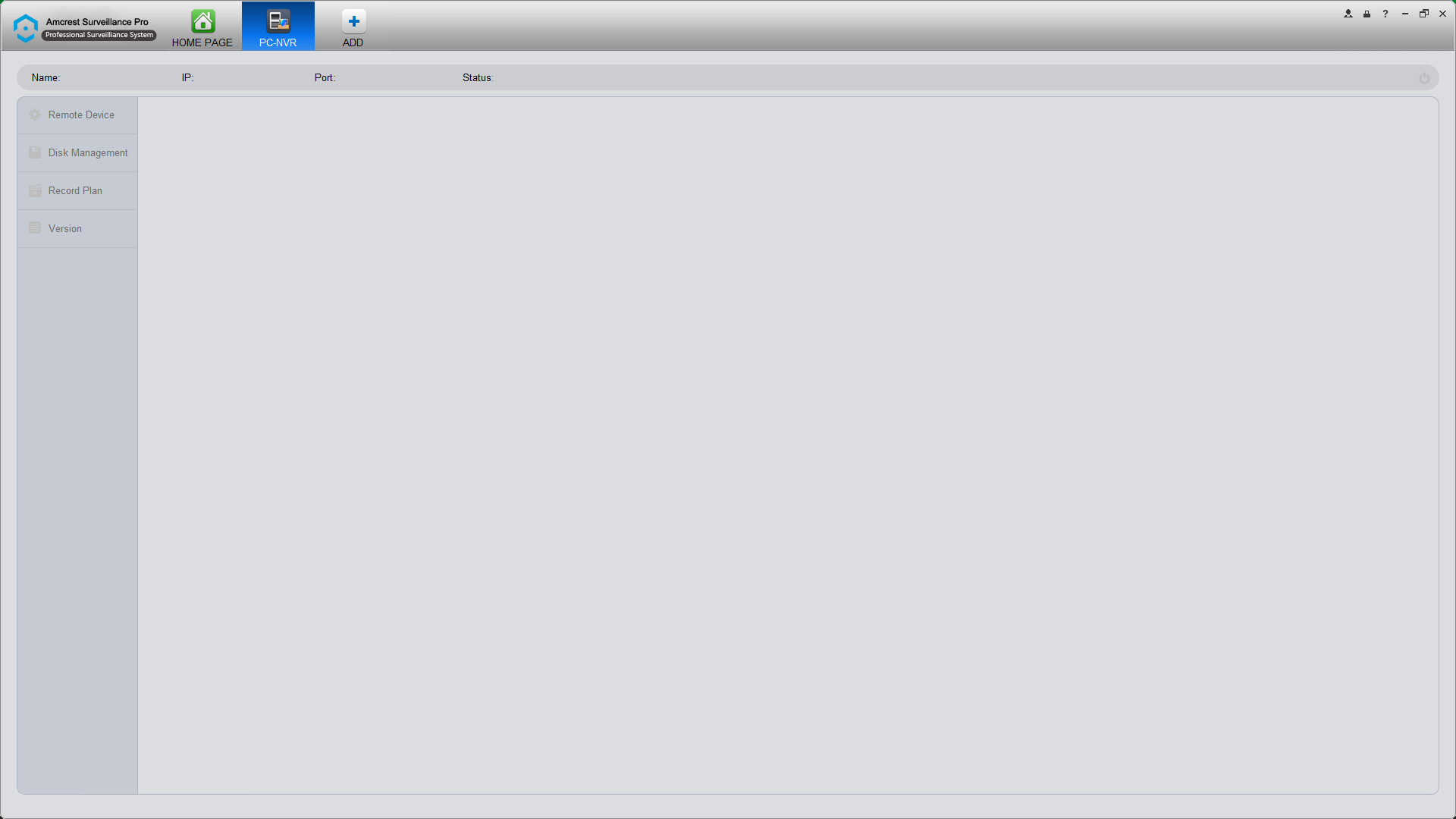
- Screenshot (33).png (37.87 KiB) Viewed 1251 times
Might have them listed backwards but 33 and 34 is showing that I can no longer access my PC-NVR like it was when Only had 1 Ip and that is showing in Picture 32 above... Only difference is 33 and 34 I have my Multi IP added and you can see in the one picture PC-NVR is showing on line and so is my NVR.. Only thing I removed from the device list was my NVR's Serial Number because I have it installed as P2P
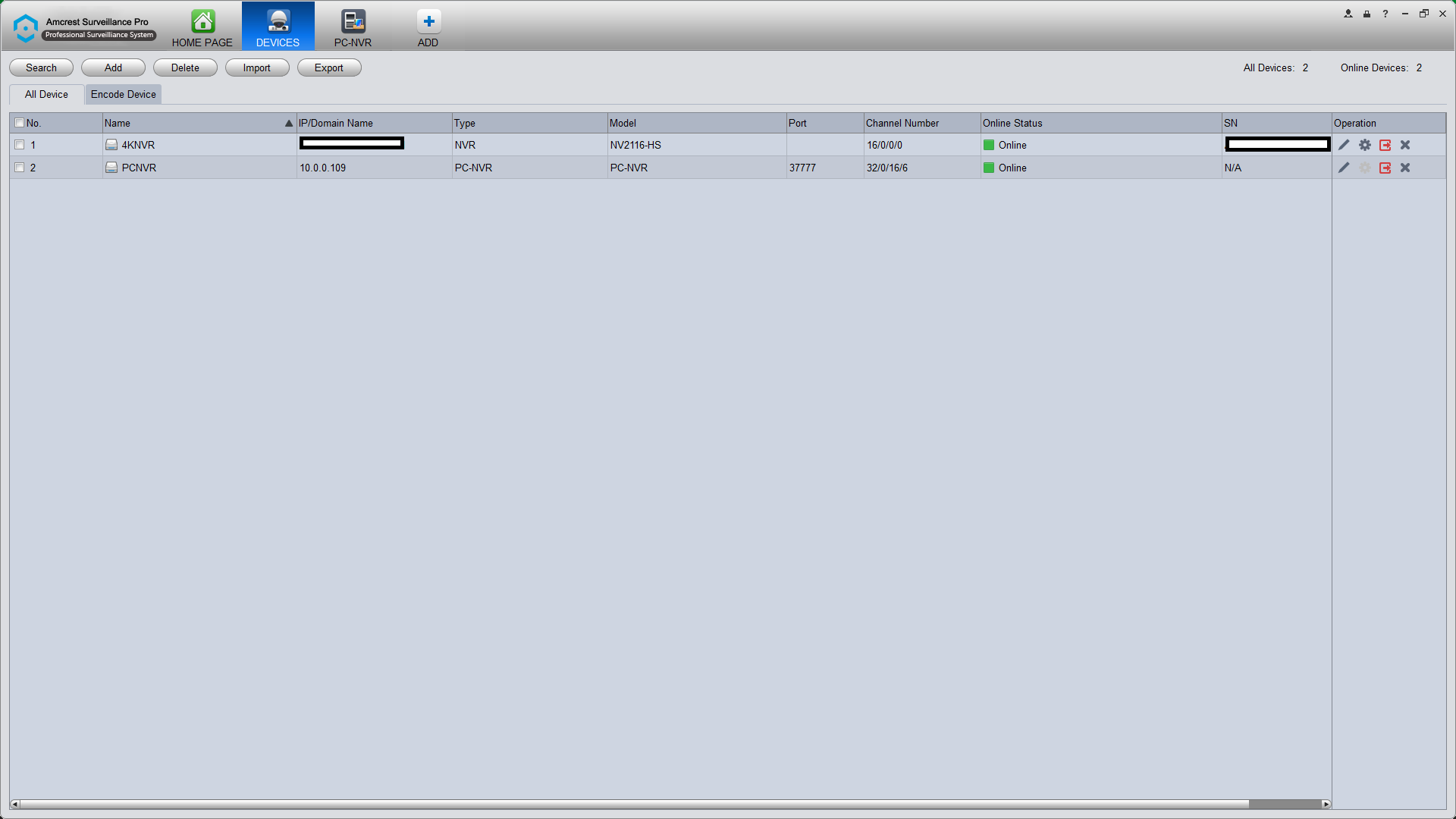
- Screenshot (34).png (52.02 KiB) Viewed 1251 times
Re: PC-NVR
Posted: Fri Sep 25, 2020 3:41 pm
by Revo2Maxx
Also just incase others happen to look back at other Videos I did with ASP and think that I am BSing what I claim I thought I would take a fast Screen Shot of this i7 computer I have this working on ATM... Also this as with any computer I have will always have a R drive Revo AKA R drive will always be on my Multi Drive computers.. Just Saying
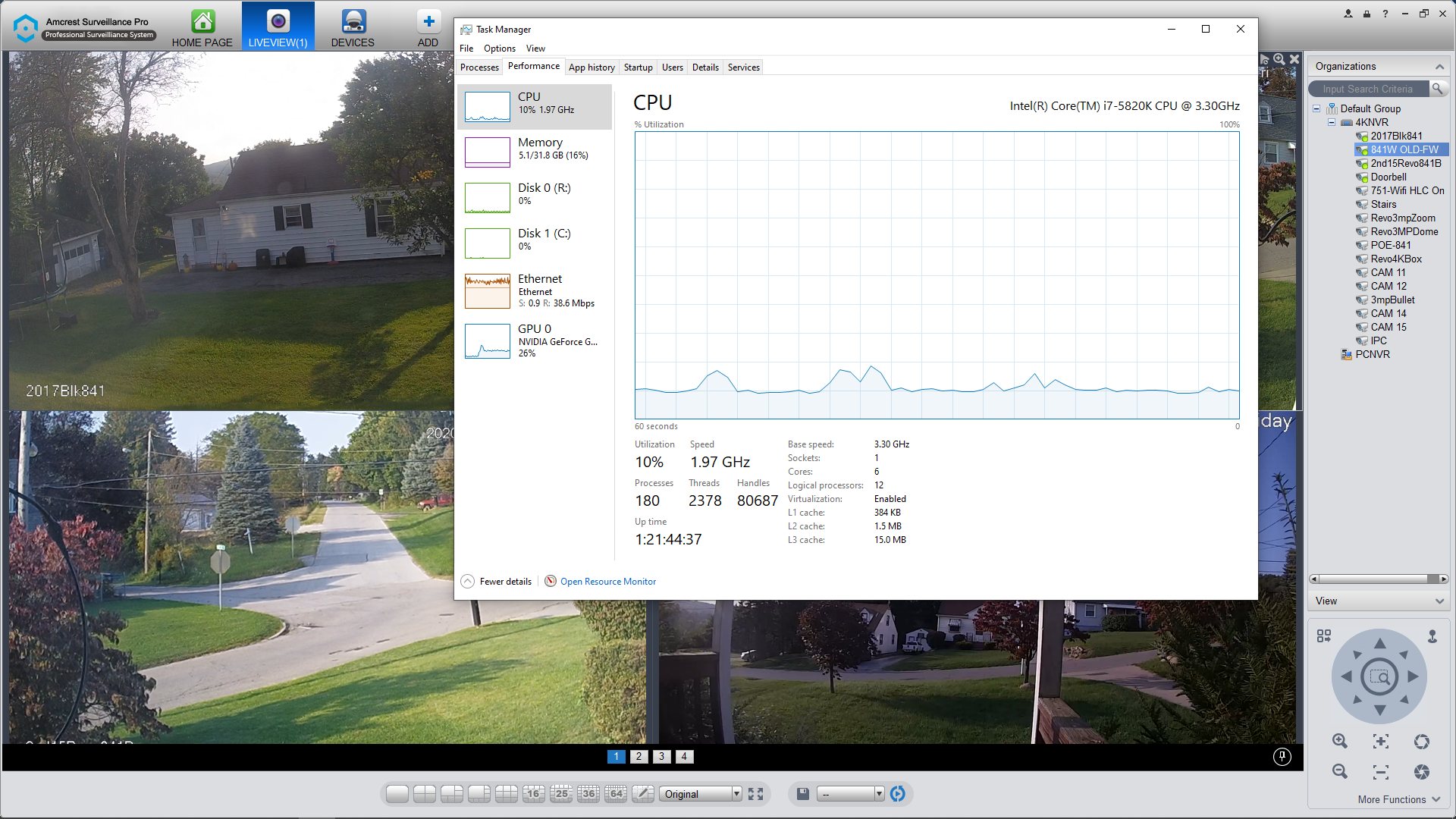
- Screenshot (35).png (1.57 MiB) Viewed 1244 times
Re: PC-NVR
Posted: Mon Sep 28, 2020 1:09 pm
by mytym3
Thanks for the feedback. However, I believe I figured it out now. Had the wrong IPv4 address. I have 2 addresses.